
My 2D Game Art Workflow on "DOD"
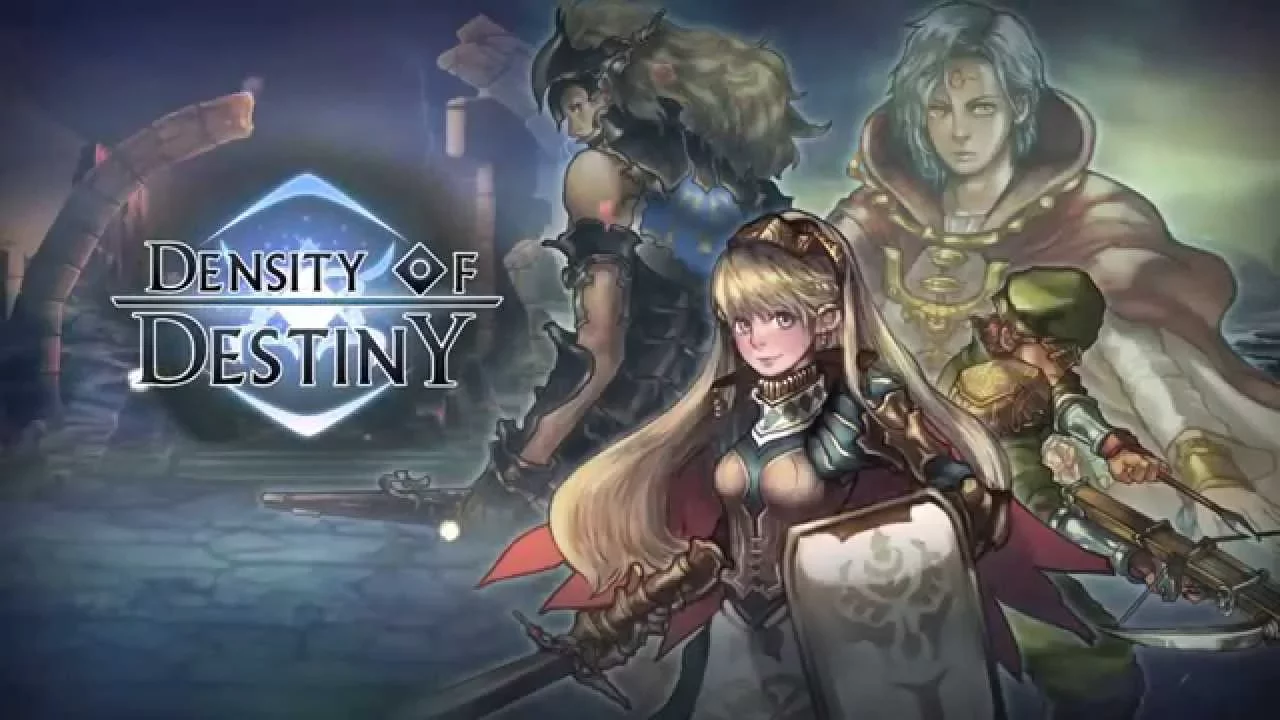
Hi everyone, I’m a Game Artist who recently worked on the 2D game "DOD." I handled multiple art pipelines on this project. Here is a quick breakdown of my workflow:
1. Concept & Final Art
Monsters: I created concept sketches, painted the final assets, and then carefully "sliced" them (separating the head, limbs, joints, and weapons) to prepare them for skeletal animation.
Environments: I designed the level backgrounds, separating them into distinct foreground, midground, and background layers so the programmers could easily set up parallax scrolling for added depth.
2. Spine 2D Animation
Rigging & Meshes: I imported the sliced parts into Spine 2D, built the skeletons, and used Meshes to give the 2D images natural flexibility (like breathing or cloth physics).
Combat Feel: Action games need impactful combat. I spent a lot of time tweaking animation timing—focusing on anticipation, snap (fast/slow frames), and hit reactions to make every attack feel heavy and satisfying.
3. Visual Effects (VFX)
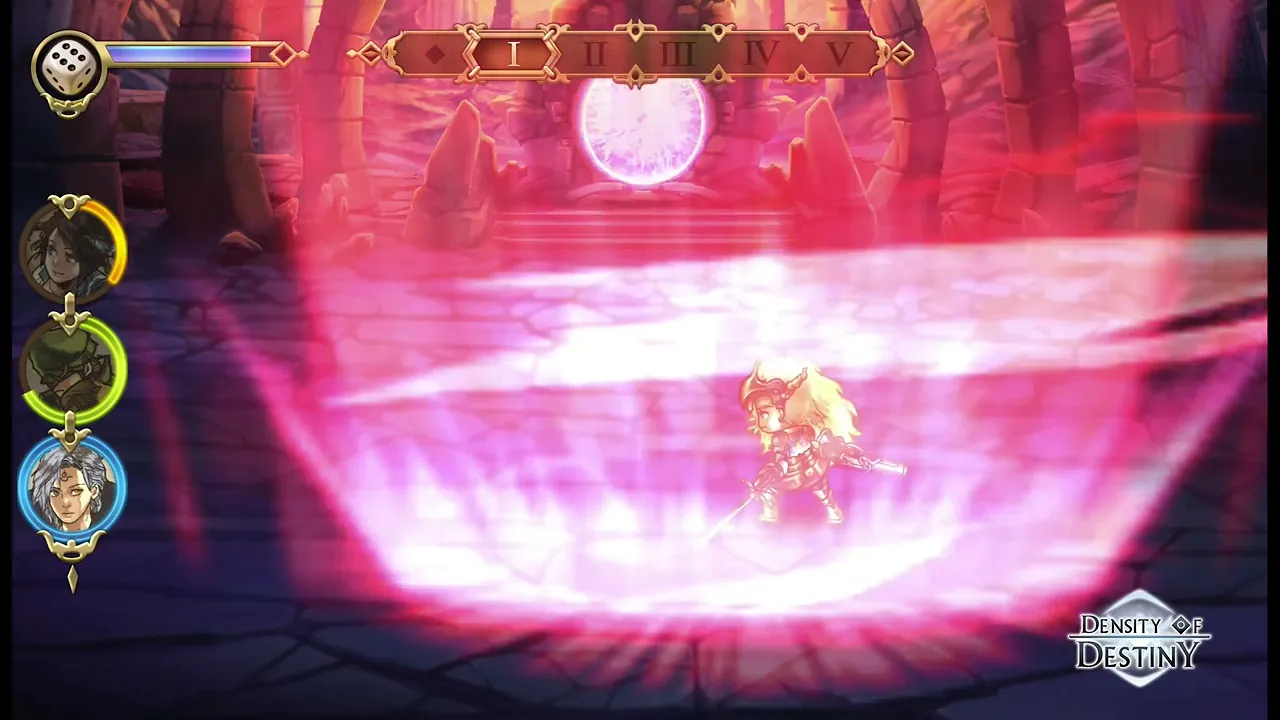
Creation: I designed the combat feedback effects, including sword slashes, magic particles, and hit flashes/blood splatters.
Integration: Since I handled both animation and VFX, I could perfectly sync the visual effects with the monsters' attack frames directly inside Spine, ensuring everything hit at the exact right millisecond.
Conclusion
Taking flat sketches to fully animated, combat-ready assets in the game engine was a lot of hard work, but incredibly rewarding!